phynotate
phynotate is a collection of {shiny} modules for interactive annotation of phylogeny plots. You can install it (to test) from GitHub using:
library(devtools)
install_github("teofiln/phynotate")
Motivation
phynotate is partly motivated by TinselR written primarily by Jenna Hamlin from the CDC. Collaborating on some of the functionality of TinselR, it became clear that there is a lot more that we can do in terms of vizualizing and annotating phylogenies using {shiny}. So phynotate started as a general purpose package of modules that allows one to spin-up custom {shiny} apps that use ggtree and ggplot2 to display and annotate trees.
Usage
There are two main ways to use the modules, in an interactive R session or by ‘embedding’ in an existing {shiny} app.
Using phynotate in interactive R sessions
In many cases we either obtain a phylogeny (or other tree-like structure that can be converted to an object of class phylo) by running some analysis in R, or we load a phylogeny created by another program into R for further analyses or visualization. Although there is certainly no reason why we couldn’t write ape, phytools, or ggtree code to create and save a custom plot of our tree, often, we just want to take a quick look, make some minor edits by clicking with a mouse and close the tree. This last part is a bit more difficult for a novice user of phylogeny plotting packages that is acustomed to an interface like FigTree or Dendroscope. phynotate attempts to fill this niche. To save a some time on making a decent figure through a GUI without writing the phylo object to file and leaving the R session.
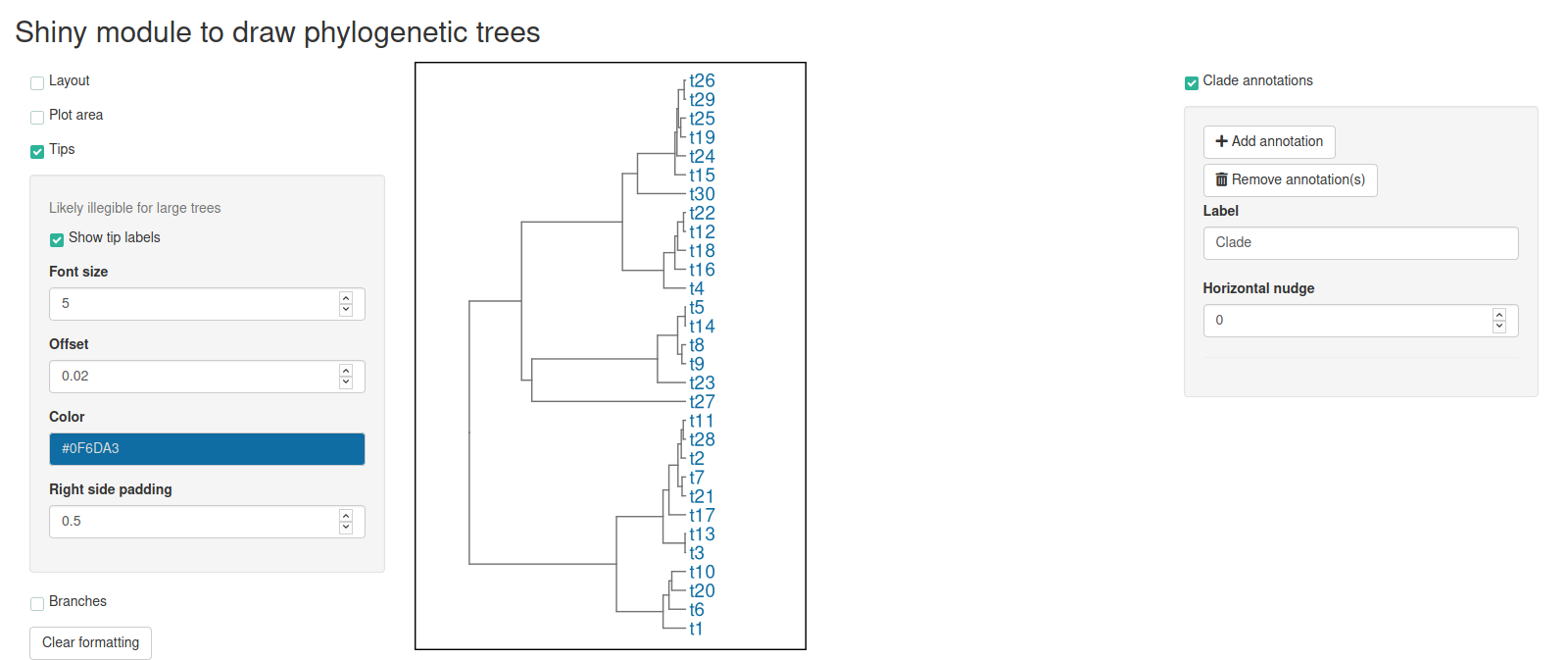
An example workflow. We run some exciting analysis that results with 100 trees and we need to glimpse tree 54:
library(ape)

Trees <- replicate(n = 100, expr = rcoal(30), simplify = FALSE)
Trees[[54]]

# Phylogenetic tree with 30 tips and 29 internal nodes.
#
# Tip labels:
#    t9, t8, t14, t5, t23, t27, ...
#
# Rooted; includes branch lengths.
Opening a {shiny} app within our browser with tree 54 is then as easy as:
library(phynotate)
make_phynotate(phylogeny = Trees[[54]], draw_modules = "LPTB", annotation_module = TRUE)
Embedding phynotate modules in larger {shiny} apps
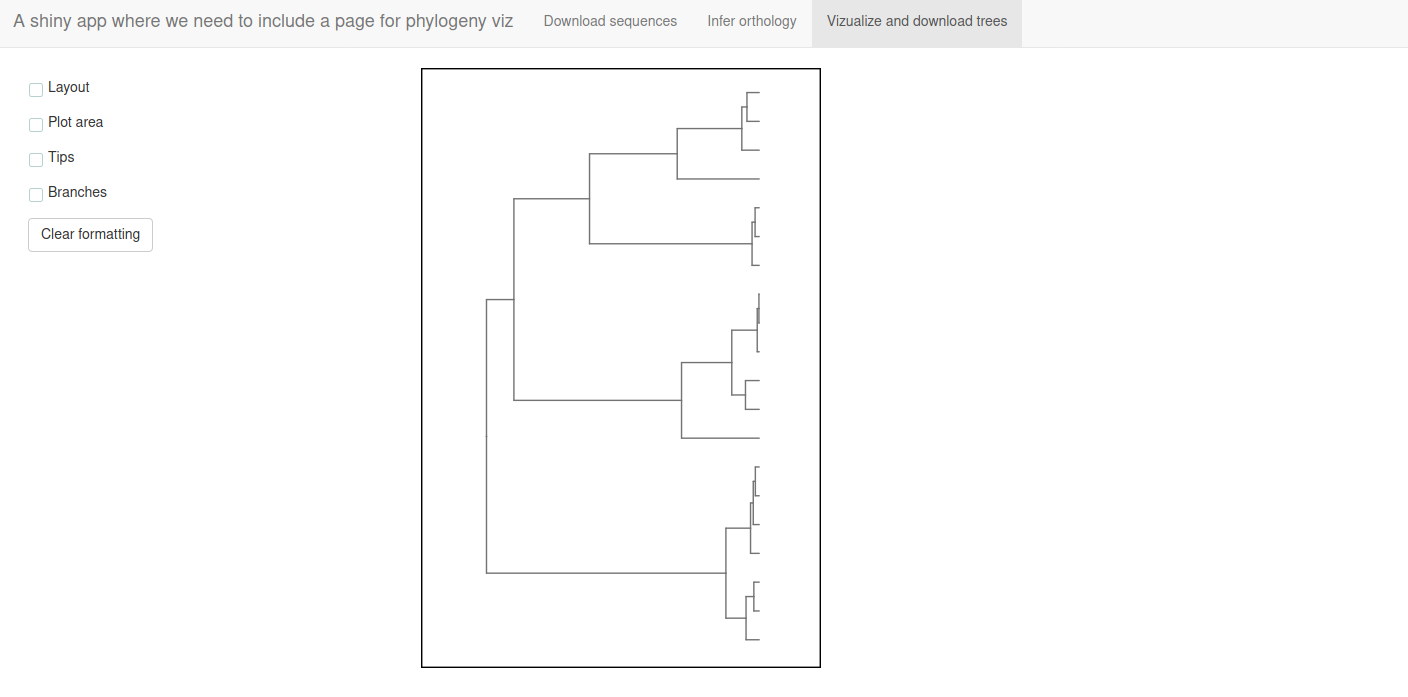
phynotate is entirely made up of {shiny} modules and their helpers (mostly not exported) or wrappers (like make_phynotate()). If you have an existing shiny app, where you would like to display a phylogeny and allow some modifications to it, perhaps even downloads, then calling the phynotate modules might be a good option.
For example (modified from the help of phynotate::main_server()):
library(shiny)
library(phynotate)

ui <- shiny::navbarPage(
  title = "A shiny app where we need to include a page for phylogeny viz",
  tabPanel(title = "Download sequences"),
  tabPanel(title = "Infer orthology"),
  tabPanel(
    title = "Vizualize and download trees",
    phynotate::main_ui(
      id = "id",
      draw_modules = "LPTB",
      anno_module = FALSE
    )
  )
)

server <- function(input, output, session) {
  # Server code to download sequences
  # Server code to infer orthology

  # Send a user selected tree to the phynotate viz module
  main_server(id = "id",
              phylogeny = input[["user_selected_tree"]],
              draw_modules = "LPTB")
}

shinyApp(ui = ui, server = server)
TODO:
This is a work in progress and there are many features yet to be implemented:
- tips missing for circular layouts
- nodes
- root
- prune
- name clade
- color branches in clade
- color tips in clade
- map variable onto branch color
- map variable onto tip symbol
- map variable onto tip color
- map variable onto node symbol
- map variable onto node color
- scale bar
- axis